Design preview · Emails not activeCustomer supportsupport@faithfultransportation.comPhoto & film plan

The next layer

Make it unmistakably
Faithful.

The visual direction is here. The next step is putting the real trucks, real lot, and real people into the story.

Our recommendation

Start with a camera.
Then add the cinema.

One focused shoot at the Hickory lot will do more for credibility than a library of generic truck footage. Use Higgsfield to explore selected cinematic treatments after we have the real references.

What Version 1 uses

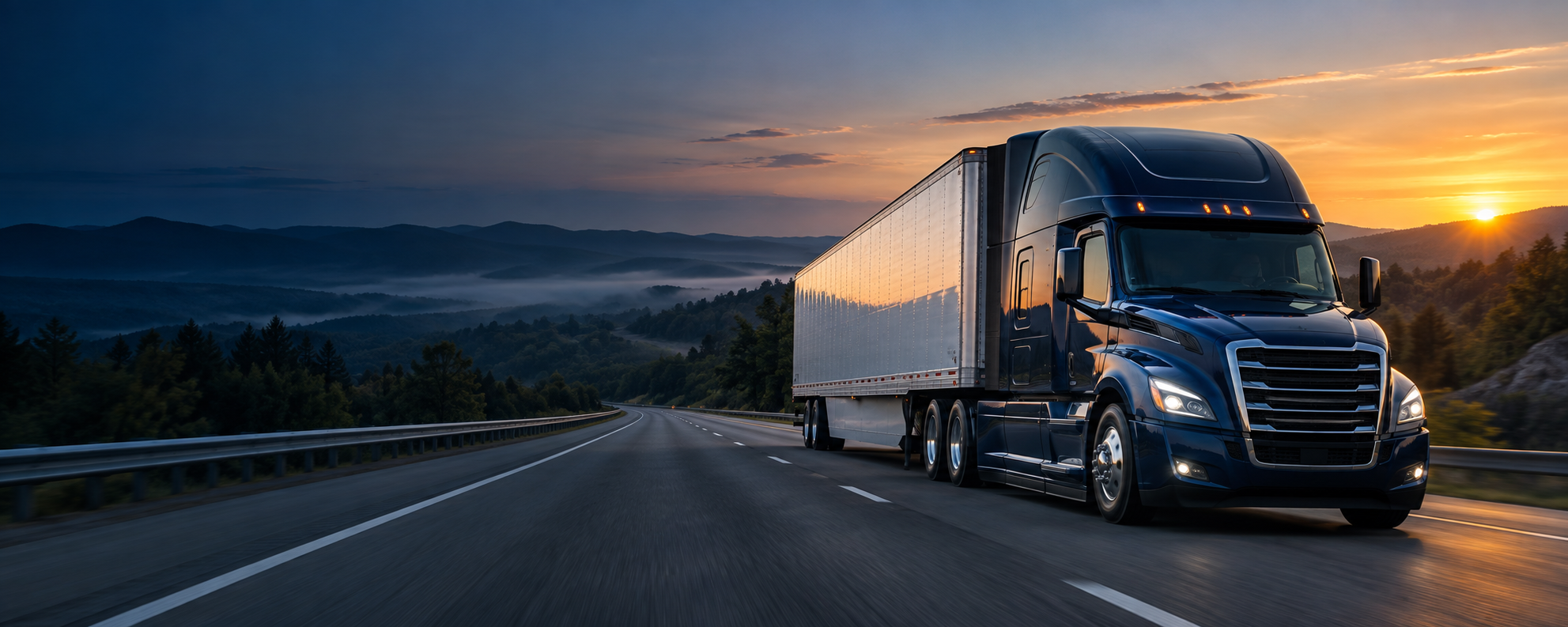
A generated, unbranded truck image sets the dawn lighting and composition. It is clearly marked as illustrative. It does not establish Faithful’s equipment type, truck ownership, or service territory.

AI-generated unbranded truck concept used in the website preview

Concept asset only. Replace with approved Faithful photography.

The identity we already have

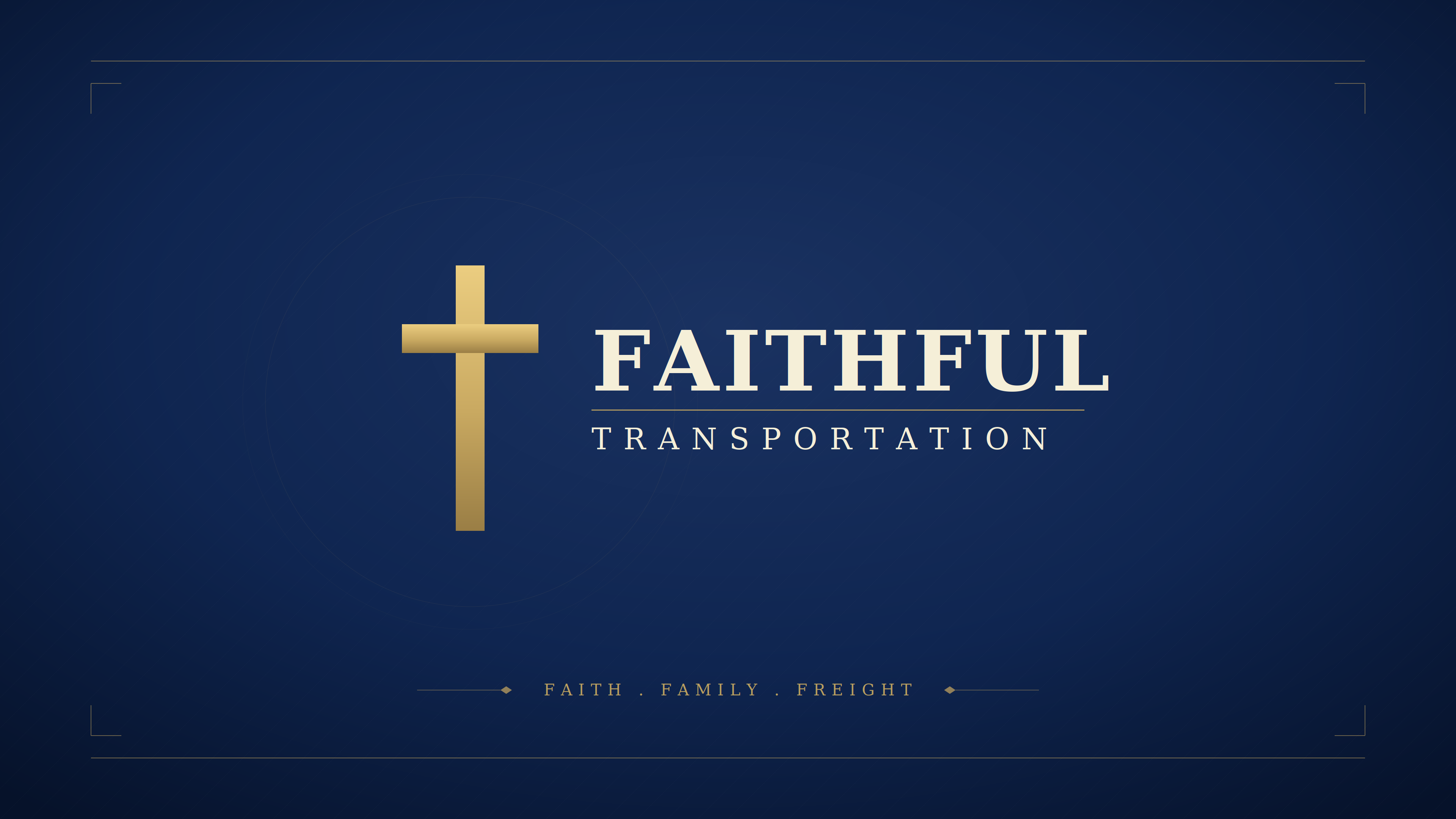
The original tablet artwork supplies the navy, gold, cross, and Faith · Family · Freight direction. Version 1 uses a simplified HTML wordmark. A production logo package should include a clean vector mark and approved light/dark versions.

Existing Faithful Transportation navy and gold tablet wallpaper

Existing artwork found in the Faithful branding folder.

A practical first shoot

90 minutes at the Hickory lot.

Pick early morning or the last hour of daylight. Clean one representative truck, choose a tidy part of the lot, and have two or three people available. Capture stills first; finish with simple, steady video.

TimeCaptureWhere it goes
0–15 minWalk the lot, choose backgrounds, clean visible branding, get participant permission.A consistent, honest picture of the operation.
15–35 minTruck front three-quarter, full side, trailer, door logo, and equipment details. Shoot horizontal and vertical.Homepage hero and transportation section.
35–50 minWide lot and office exterior; clean entry/signage; one view showing the lot’s actual scale.Hickory home-base section and contact page.
50–70 minTeam portraits, dispatch conversation, driver beside truck, routine pre-trip.About, customer relationships, and recruiting.
70–90 minSix to eight steady clips: truck parked, door detail, driver walk-up, pre-trip, dispatch, controlled departure.Short silent hero loop and future company film.

Capture notes

Your phone is enough to begin.

  • Use the main rear camera at 1×. Clean the lens. Skip digital zoom and portrait-mode blur for the equipment shots.
  • Record 4K at 30 fps as a simple default. Use 60 fps only for clips you intend to slow down, with good light.
  • Hold each shot for 10–15 seconds. Leave a few still seconds before and after the action.
  • Leave empty space on the left in several wide truck shots so the homepage headline has room.
  • Take separate vertical shots; don’t rely on cropping every wide image for phones.
  • Keep screens, freight paperwork, and customer information out of the frame. Photograph only activities approved by the team.
  • Transfer original files rather than compressed text-message copies. Keep the full-resolution masters.

What to produce

A small, useful asset library.

  • One strong hero photograph and a separate mobile composition.
  • 8–12 finished photographs covering equipment, people, dispatch, and the property.
  • An optional 8–12 second silent loop, plus a matching still poster.
  • One or two short, natural team/driver interview clips for future use.
  • An optional aerial establishing shot if a suitable operator and location are available.

For the homepage, a great photograph is enough. Add video only when it improves the page. Keep the headline readable, provide a pause control, respect reduced motion, and retain the still image when video cannot play.

Higgsfield direction

Real references.
One deliberate shot.

Use Cinema Studio to explore a restrained camera move around a real reference photograph. Approve the still composition before spending time on animation. Start with a stationary truck and subtle movement; more complex motion gives us more geometry and lettering to inspect.

  1. Upload sharp photos of the actual truck from several angles.
  2. Match the paint, cab, trailer, wheels, mirrors, and existing decals.
  3. Generate a short, slow camera move with natural dawn or evening light.
  4. Review every frame for warped lettering, wheels, mirrors, or invented equipment.
  5. Use the result only if it faithfully represents the reference. Keep original photos for company and facility information.

Starter shot brief

Use the supplied photographs of the actual Faithful truck as the identity reference. Preserve the exact cab shape, paint, trailer, wheel arrangement, mirrors, and existing branding. A slow, subtle lateral camera move around the parked truck at early morning. Natural light, realistic commercial photography, restrained movement. Leave clean negative space on the left for website text. No new vehicles, buildings, signage, logos, or text. Do not enlarge or redesign the actual facility. No audio needed.

If the model cannot preserve branding accurately, use the real photograph or footage. Do not publish a flawed reconstruction.

Before this becomes the public website

Finish the real-world details.

Version 1 is a local, noindex design preview. It sends no inquiries, stores no visitor data, and makes no bookings. Website code and assets are saved together for editing and later hosting.